Hello — and thank you if you’ve joined us recently. It’s been quiet here for a few weeks. The last time I posted was to explain the move from Forebears to MyForebears, and to point existing users toward the new app. Since then, a steady stream of new subscribers has arrived. I’m grateful for thatContinueContinue reading “MyForebears – quiet, but not asleep”
Tag Archives: GEDCOM
Forebears is getting a new home: welcome to MyForebears

If you’re already a Forebears user, you’re probably aware that the app has been steadily growing and improving over time. Today I want to share a quick but important update: this is the final update for Forebears on its current platforms—iPhone, iPad, and Mac. The good news is that we’re not standing still. MyForebears forContinueContinue reading “Forebears is getting a new home: welcome to MyForebears”
Forebears 4.3: New Y-DNA Trees, Anniversaries, Editing & More
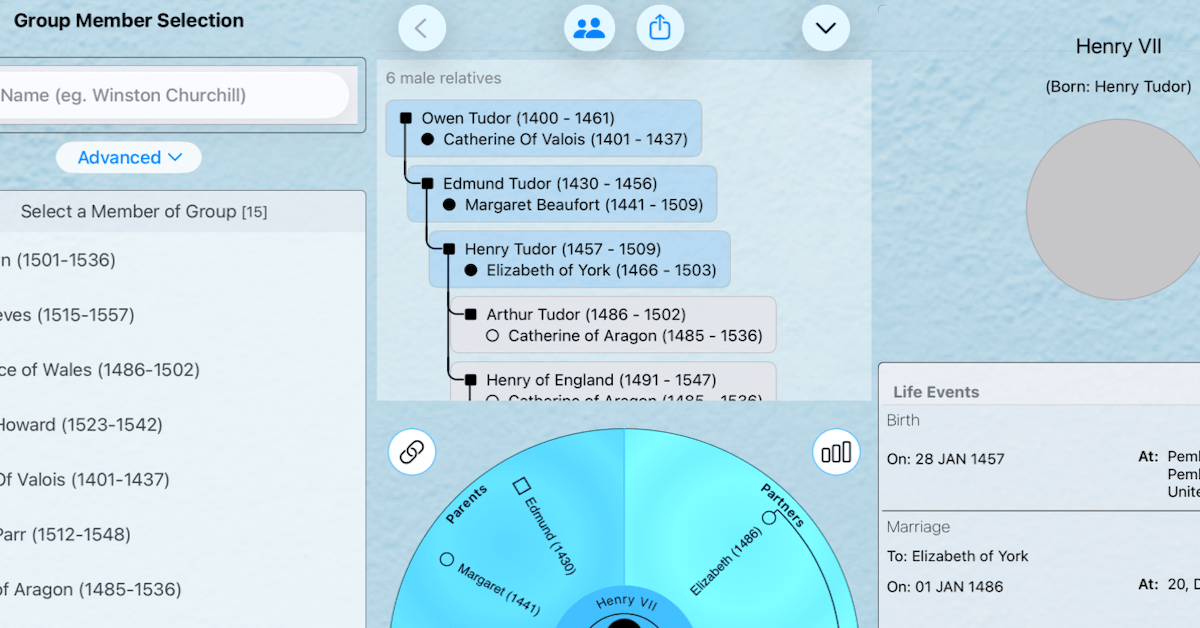
I’m pleased to announce a new release of Forebears that adds powerful ways to explore your paternal line, stay on top of family anniversaries, and edit your tree more intuitively—along with a clearer experience on Mac and an updated User Guide. Y-DNA Tree in Classic Tree The app now lets you view and export a male-only lineage directly from the Classic Tree.ContinueContinue reading “Forebears 4.3: New Y-DNA Trees, Anniversaries, Editing & More”
We’re Back and We’re Busy
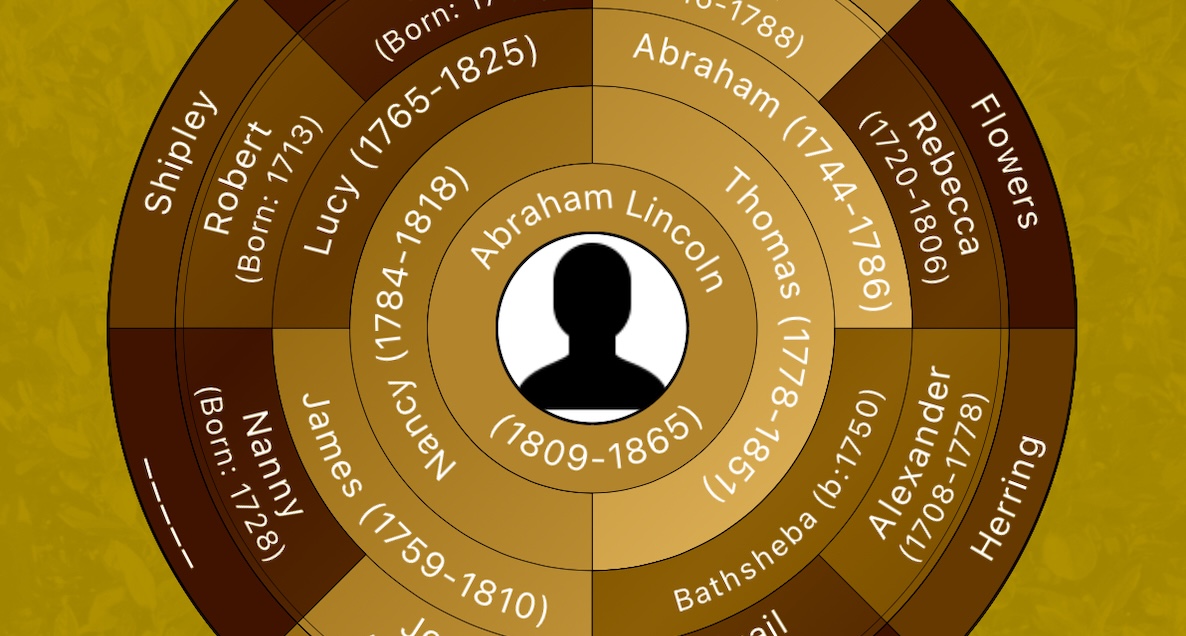
October 30th was a milestone date for my family history app, Forebears. That was the day I released Version 3.1.8 with fixes that made quite a few users very happy. Here are a few things that this release achieved: It enhanced the GEDCOM import logic to overcome some rare errors It fixed a critical bugContinueContinue reading “We’re Back and We’re Busy”

